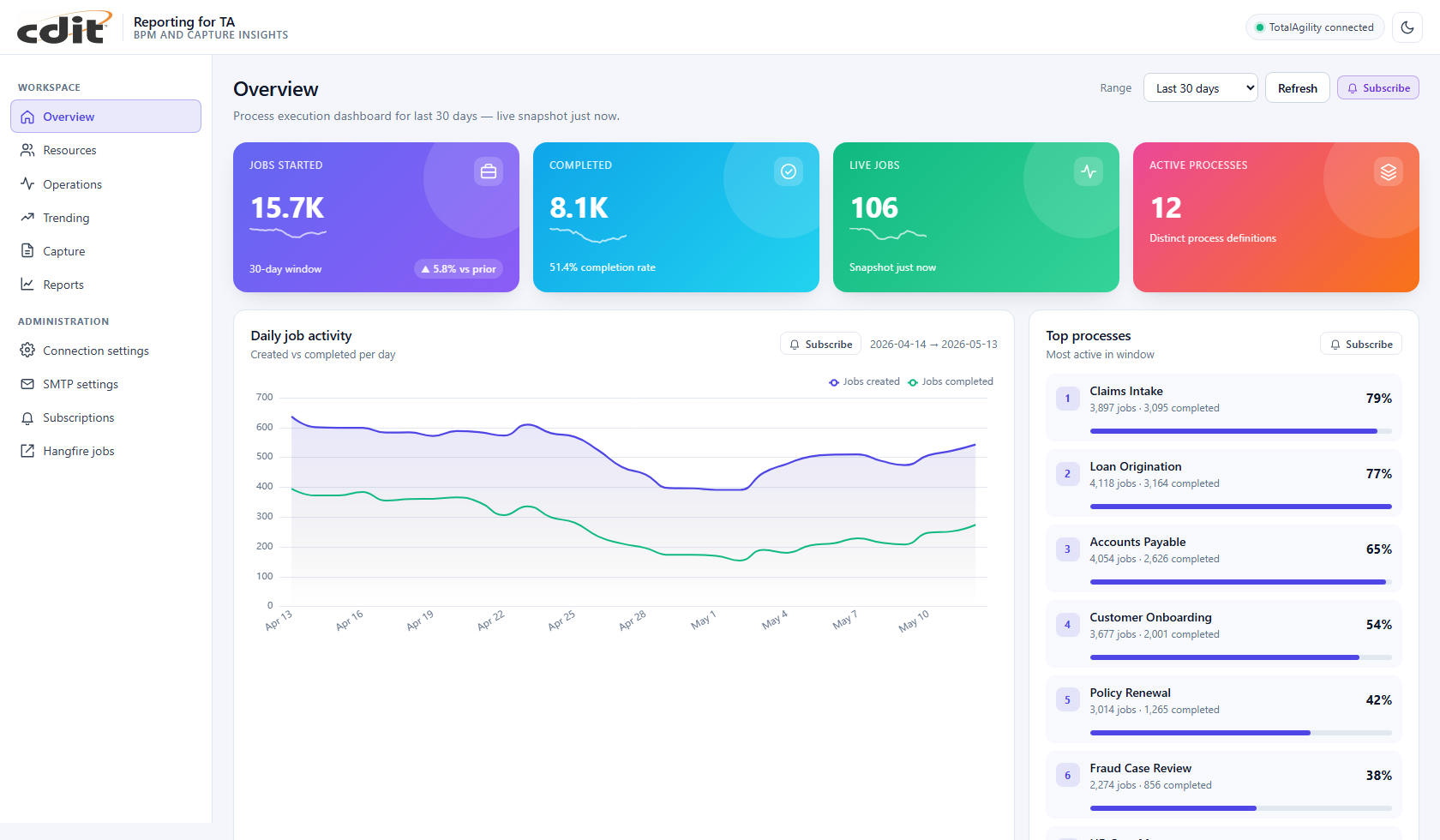
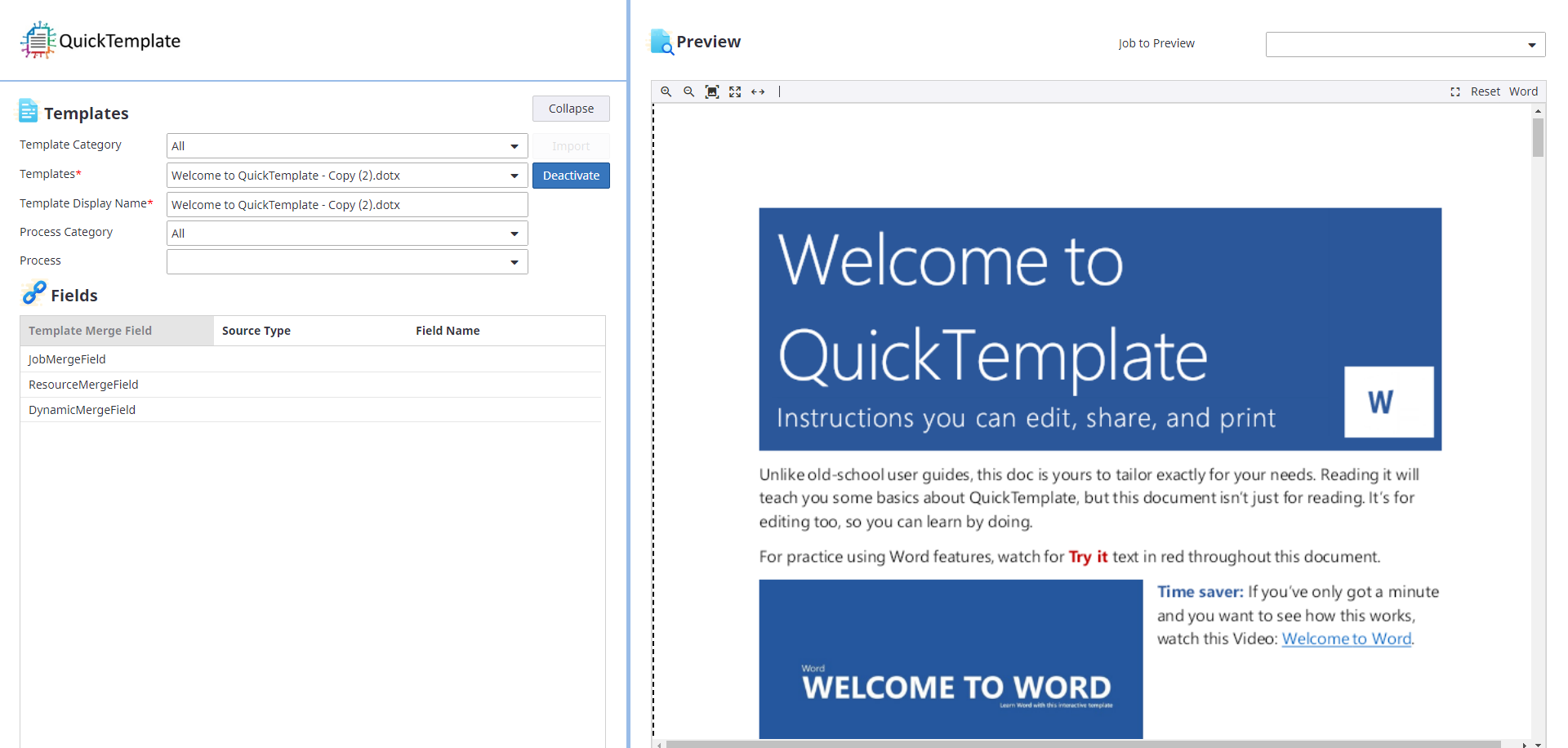
TotalAgility customers often export completed work into expensive content platforms that are over-featured for the real job: durable archive, metadata search, and controlled retrieval. AgilityDMS™ is CDIT's document archive and search portal — built to sit downstream of Tungsten TotalAgility® so your team can store, find, preview, and share captured documents without standing up a full records suite.
Overview
AgilityDMS stores document files in cloud object storage, indexes the metadata your processes already extract, and gives business users a modern portal to search and review. Operators keep an administration console for schema, retention, sharing, and audit. Capture teams can export from TotalAgility through CDIT's export connector or SDK — so archive feels like an extension of the process, not a separate silo.
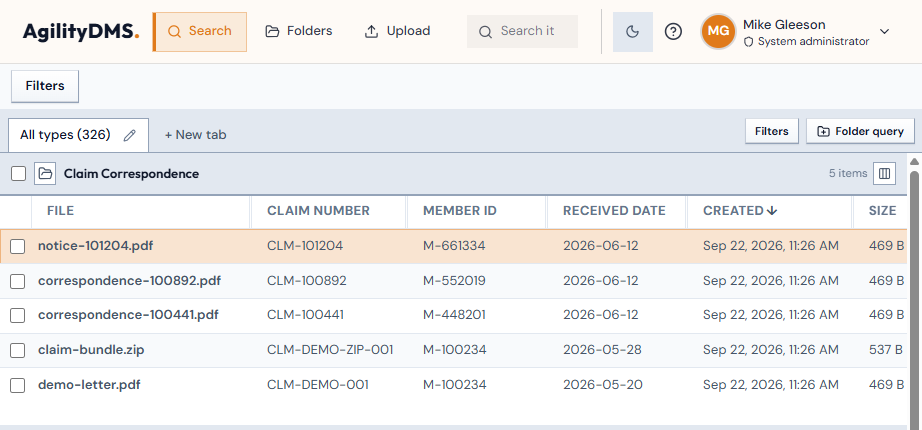
Search workspace — filter by document category and metadata, then open any result for review.
TotalAgility-native archive
Export completed capture work into AgilityDMS with mapped index fields. Document types can follow TotalAgility extraction groups, so you are not re-keying a second schema in a general-purpose ECM.
Metadata search that business users can run
Find documents by category, claim number, dates, and the fields your organization already captures. Quick search, saved queries, and sortable result tables keep retrieval in the portal — not in a file share.
Preview, download, and share with an audit trail
PDF, images, multi-page TIFF scans, video, and audio preview in the browser. Downloads and views are logged. When permissions allow, create time-limited secure links so recipients can open a document without a portal account.
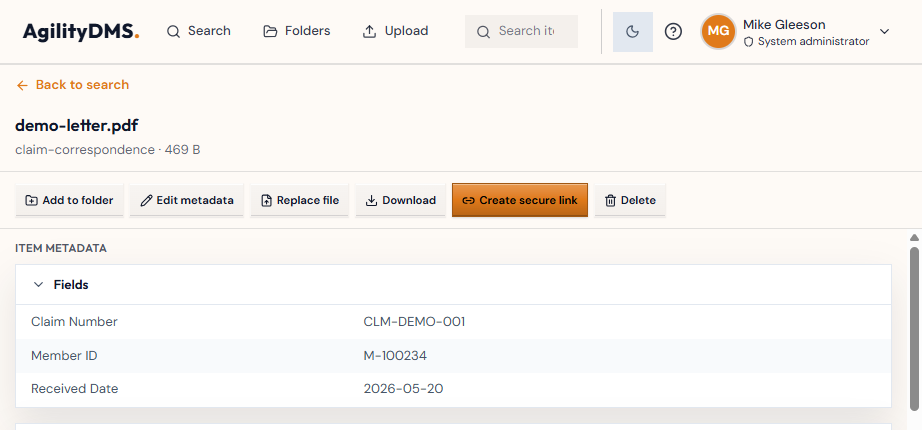
Document review — metadata, download, secure link, folder, and administration actions in one place.
Folders, catalogues, and controlled access
Personal and team folders collect documents without duplicating storage. Organization catalogues can surface matching documents automatically. Sign-in uses your organization's account (Microsoft work or school, or a local portal account for pilots).
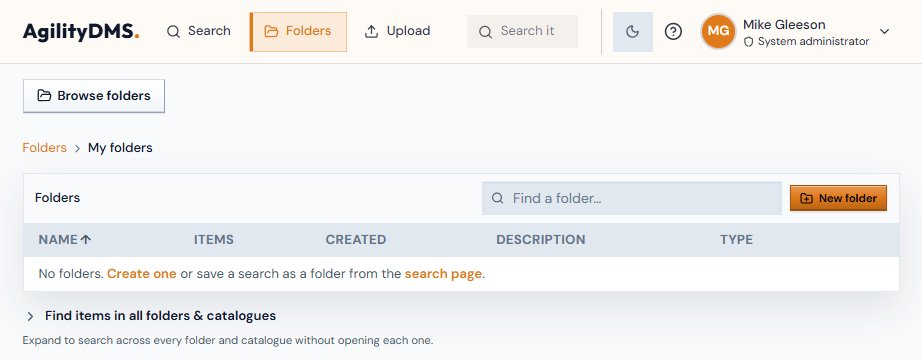
Folders — organize archived documents, then search across folders and catalogues.
Lifecycle and retention on cloud economics
Hot, Cool, and Archive storage tiers, retention rules, and API-proxied access (no public file URLs) keep long-term archive cost and security aligned with how the documents are actually used.
AgilityDMS and AgilitySearch
AgilitySearch™ and AgilityDMS™ are the same product. The license decides how much of it you get. AgilitySearch is the search edition. AgilityDMS is the full document-management edition.
Included in both:
- Search across document metadata, including saved searches
- Open, preview, download, and print documents
- Edit metadata, when the person's role allows it
- Soft-delete a document, when the person's role allows it
- Sign-in through the portal or TotalAgility
- Administration for users, document types, TotalAgility and Microsoft sign-in, background jobs, branding, portal settings, and the license
In both editions, a person's role still controls what they can do. A viewer can search and open documents. Editing metadata or soft-deleting still requires an editor-level role. Upload is not one of those role checks on AgilitySearch — that capability is not in the search license at all.
| Capability | AgilitySearch | AgilityDMS |
|---|---|---|
| Upload and ingest documents | Not included | Included (by role) |
| Folders, including add to folder | Not included | Included |
| Catalogues (automatic grouping) | Not included | Included |
| Replace a file | Not included | Included |
| Permanently delete, or restore a deleted document | Not included | Included |
| Secure links for outside recipients | Not included | Included |
| API keys for other systems | Not included | Included |
| Access rules (limit what people see by document data) | Not included | Included |
| Security administration | Not included | Included |
| Audit log | Not included | Included |
| Webhooks | Not included | Included |
| Each user's activity history | Not included | Included |
How it feels in the portal
- AgilitySearch opens on Search. Folders and Upload are not in the header. Administration that belongs only to AgilityDMS — security, the audit log, webhooks, and each user's activity history — is shown as unavailable. The shared administration areas remain available.
- AgilityDMS shows Search, Folders, and Upload, and the full administration set.
Contact us to see AgilityDMS or AgilitySearch in your TotalAgility environment.
We will be pleased to walk through fit, editions, and a demonstration.